
The Podhome Player app: a listener's walkthrough
The Podhome app is a podcast player for listeners. It is a Podcasting 2.0 app: chapters, transcripts, clips, and live episodes are part of listening, not a separate product. You can follow shows from any host the app can find. You do not need a Podhome account to press play.
The announcement, from September 2025, is Introducing the Podhome Podcast Player app. The page with the store badges is podhome.fm/app. This note is the walk from install to a downloaded episode.


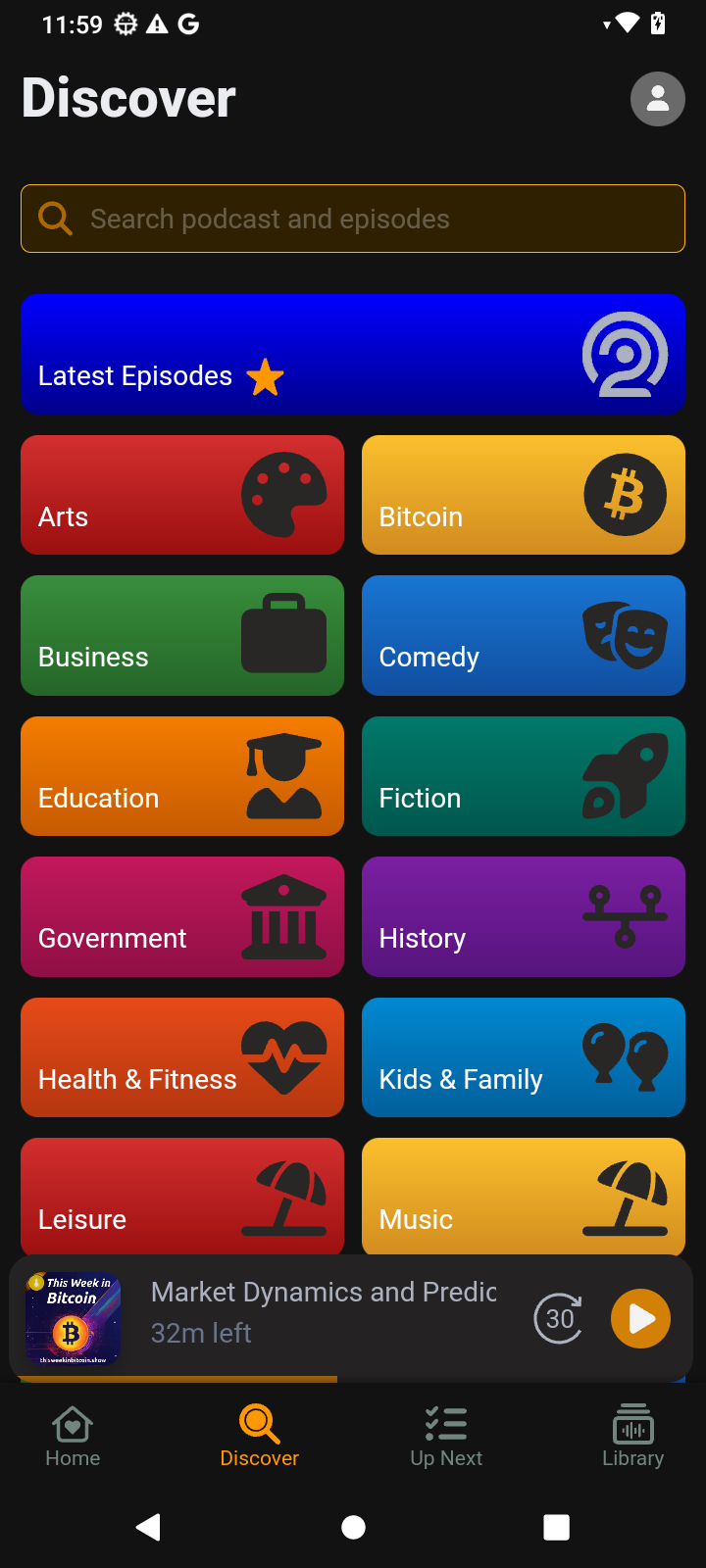
Find a show
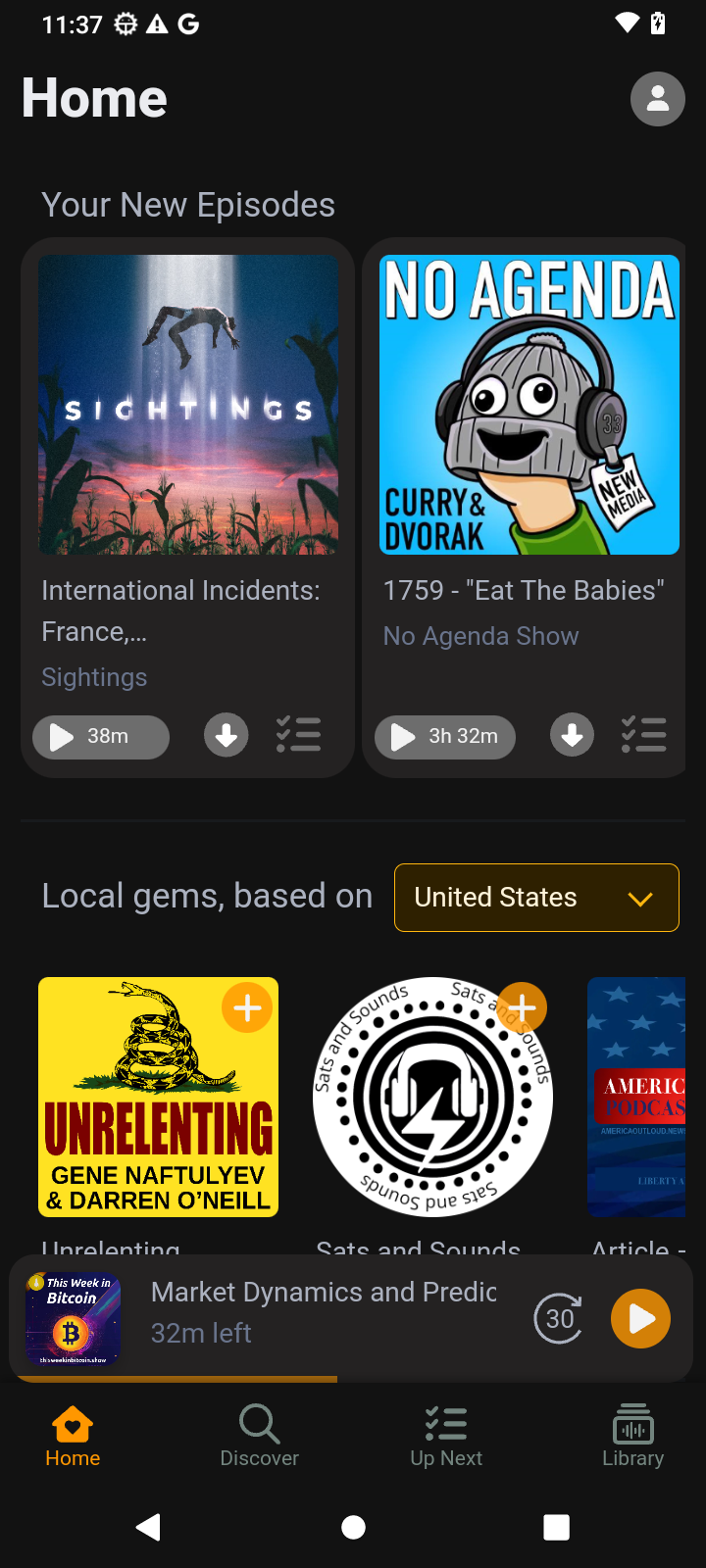
Search by title, host, or topic, or browse genres. Subscribe to the shows you want in the library. New episodes from those subscriptions show up with the rest of your listening. The library also keeps listening history and downloads in one place.
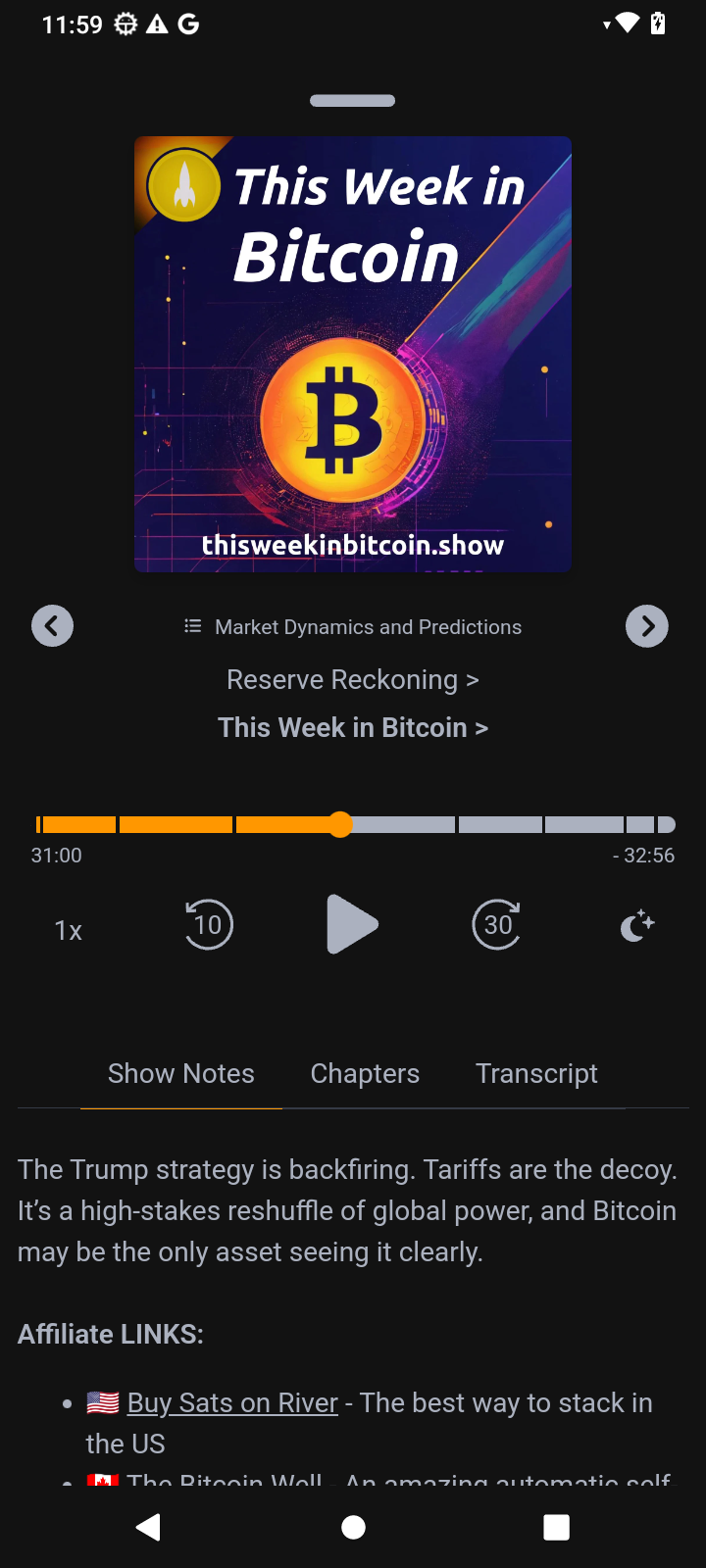
Press play
Playback speed is on the player, and the episode resumes where you left it. A sleep timer is there for the episode you start at night. Download an episode when you want it offline. The same player opens a live broadcast when a show is on the air, then the recording is an episode you can play later.
The app supports light mode and dark mode.
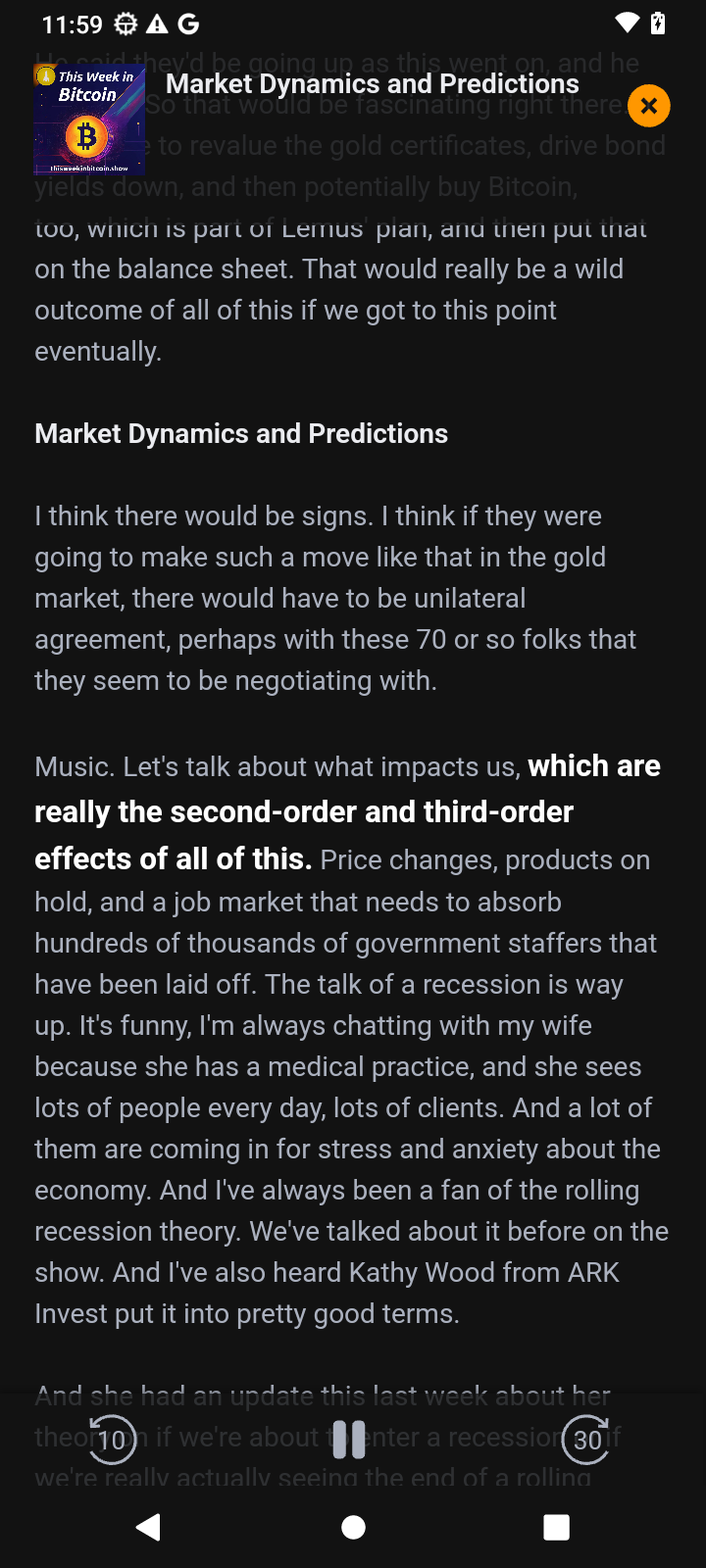
Read the episode while it plays
Transcripts scroll with the audio, and you can search them for a word. Chapters show what is coming up, so you can skip to the section you came for. Clips are the short moments a show has marked. Those three are Podcasting 2.0 features a host publishes in the feed. If a show has not published them, the player has nothing extra to show. Podhome-hosted shows can publish all three. The host-side guides are transcripts, chapters, and clips.
A shared link
Someone can send you a Podhome share link. It opens on podhome.fm/app as a preview: artwork, notes, and a player when the episode can be played in the browser, plus the store badges if you would rather open the app. A link that has expired says so, and still points back at the app page.
Podhome Premium, inside the player
The app page lists three listener features under Podhome Premium: Episode Pulse, Episode Shuffle, and a playback speed you set per podcast. Episode Pulse is the live view of newly published episodes. Episode Shuffle lets you preview random episodes by scrolling. Per-podcast speed keeps a slow interview and a fast news show on different settings. The September 2025 launch note also names people, podroll, and podping alongside Episode Pulse. Those listener features are separate from podcast hosting.
If you make the show
Listeners install the app. Creators host the feed. Hosting on Podhome is one plan, $15.99 a month or $185 a year, with a 30-day trial of that plan. The trial is how a new show gets a feed, a website, chapters, transcripts, and Podhome AI. It is not a second price inside the player.
Questions about the app or about hosting go to support@podhome.fm.